How can I change the color or contrast of text on the freesewing home page? I can hardly read the text as it is only in very light blue.
The current work around is to switch between light and dark mode.
Whichever one you have set currently, switch to the opposite one and it should allow you to see everything.
This is what it’s supposed to look like:
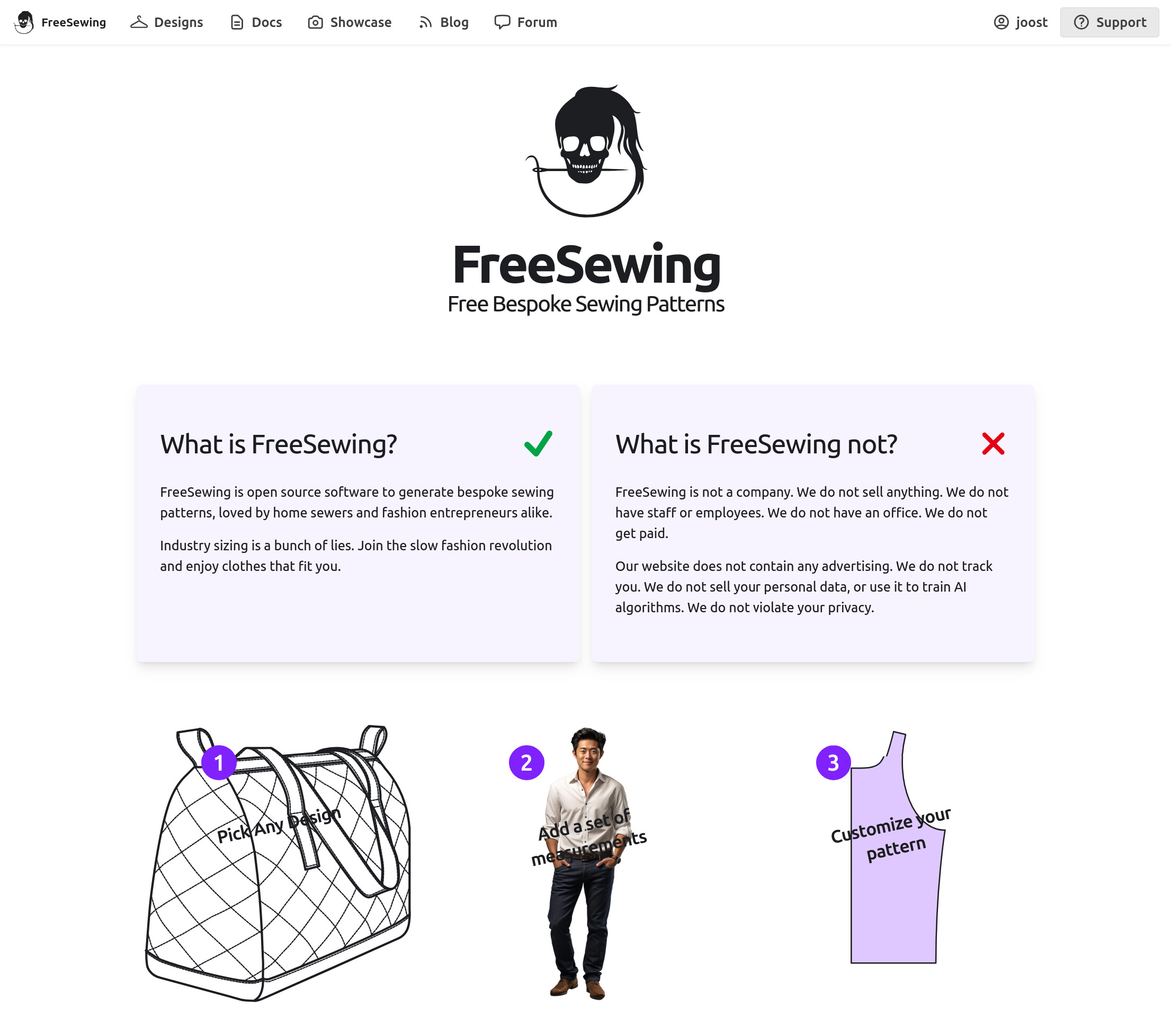
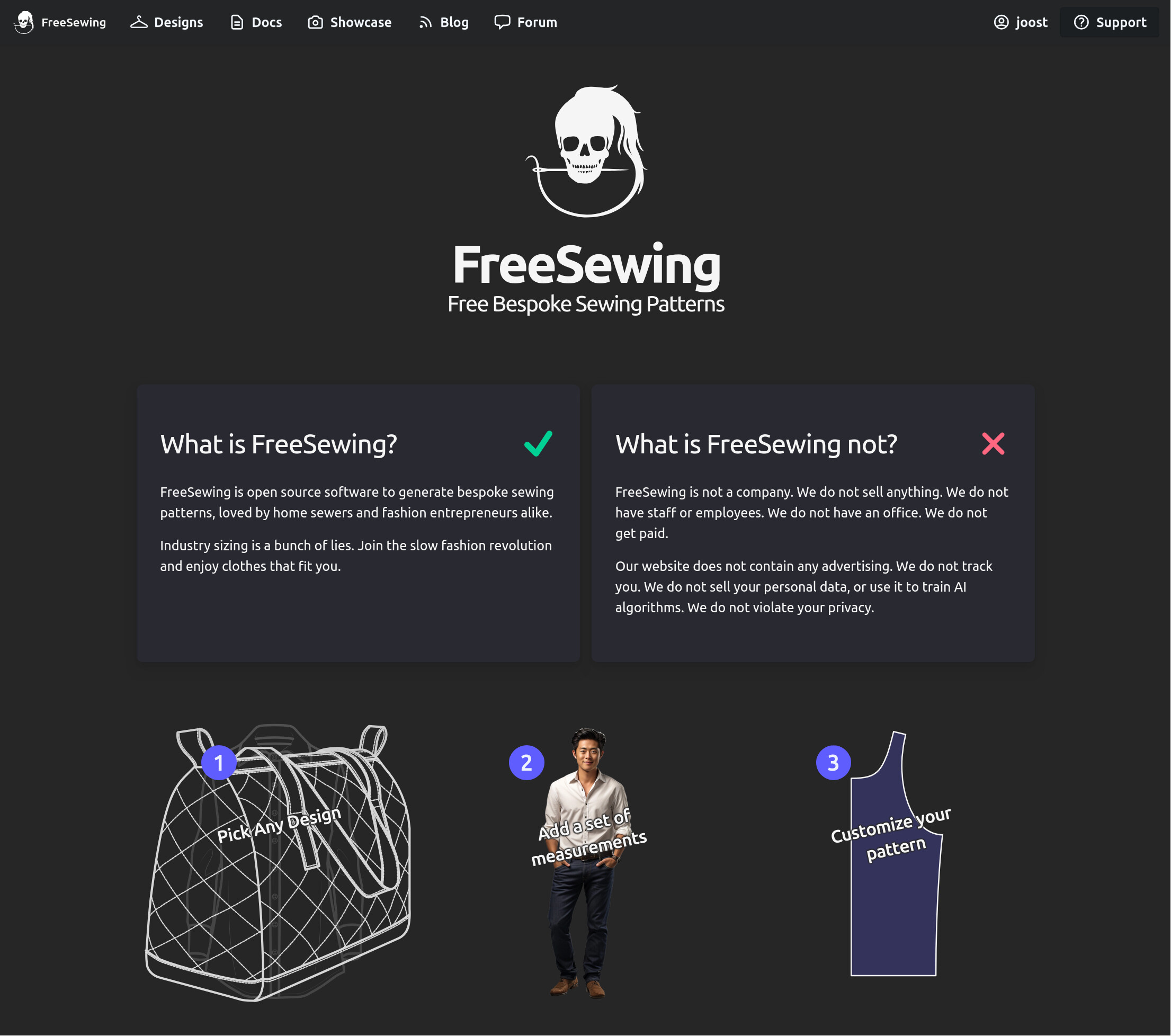
If it does not look like that for you, please provide us with details of your OS/Browser/Settings.
The rest of the website seems fine for me, but these buttons here do be light blue!! I’m on windows 10/firefox. My settings should be the default cuz i just signed up. (Hi!)
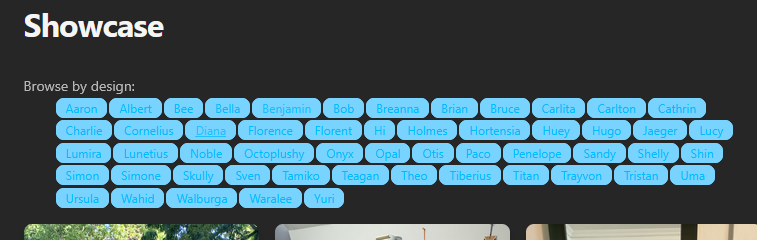
Side note, may I ask how to switch to light mode…? I’d think it’s in preferences, but can’t seem to find it. Is it based on the settings of my computer?
To set light/dark mode in Windows 10:
I see the same issue on Mac desktop with both Safari and Chrome browsers. The Showcase button text is difficult to read in both light and dark modes.
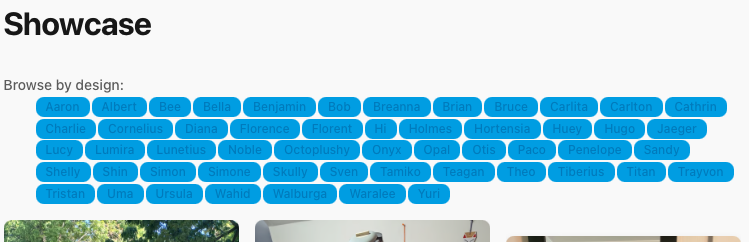
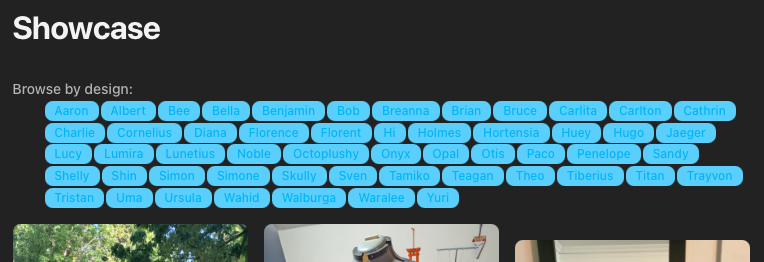
I see the same problem on Linux/Firefox. Probably just an oversight from the recent theme changes.