I got the same behaviour.
Do you have a node_modules folder in sites/studio and if so, can you remove it and try to start the studio again?
FYI: this is a webpack doesn’t have a JSX loader situation, in case people are curious
Yes, it worked, thank you. I ran rm -rf sites/studio/node_modules and npm run studio, and the studio is now running properly in my browser.
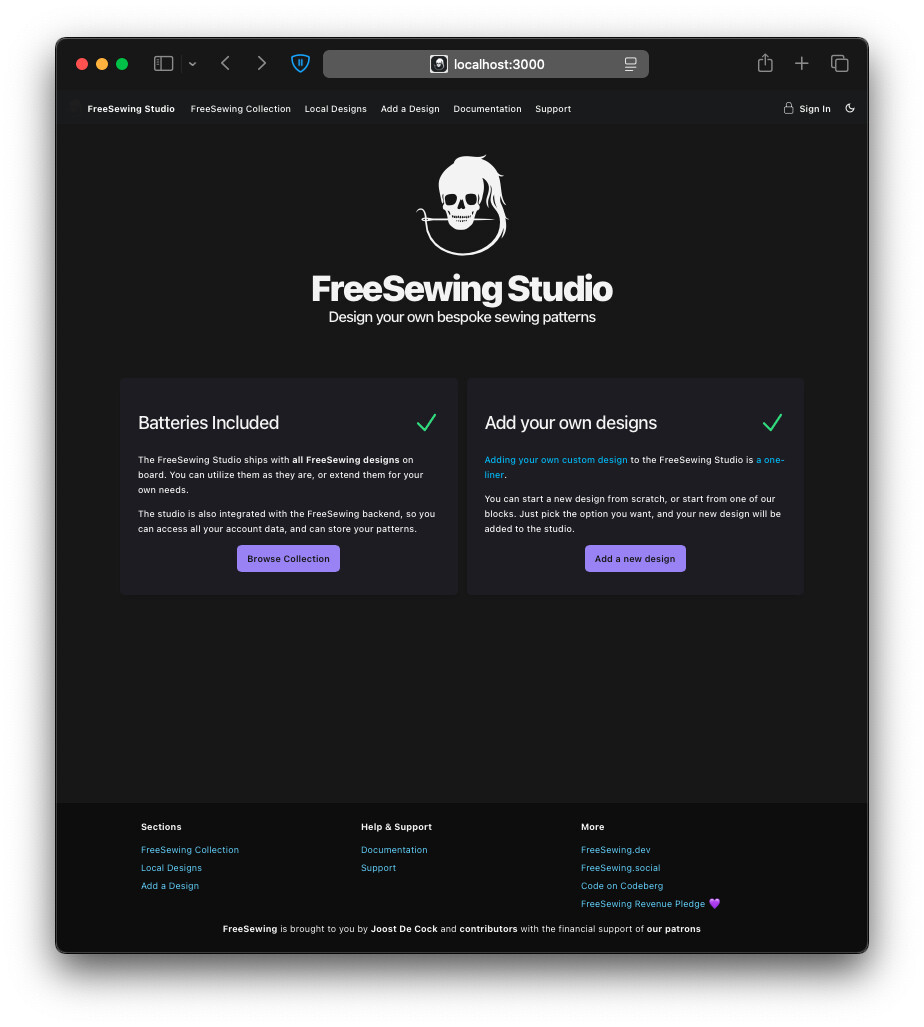
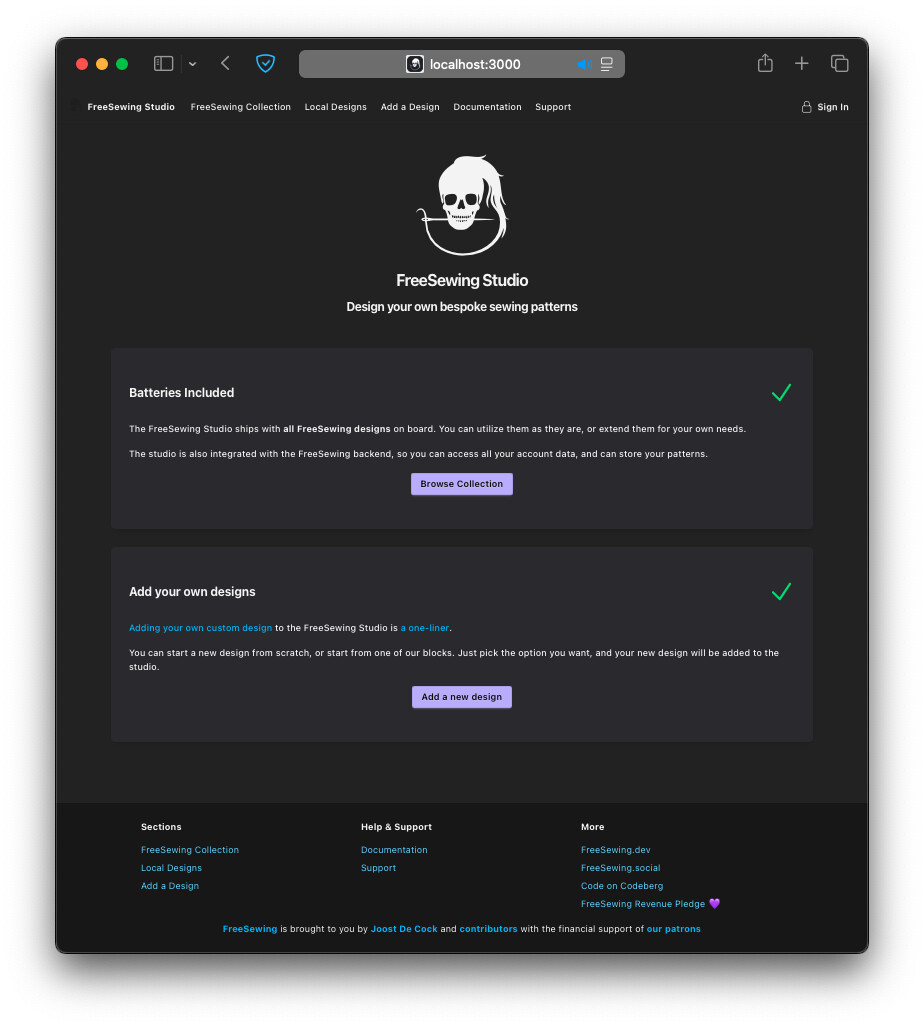
In case anyone was wondering what the Studio looks like, the initial experience is about the same with Standalone vs. Repository:
Standalone Studio:
Repository Studio:
1 Like
Current issues with the repository studio:
- After
npm run kickstartornpm run reconfigure,npm run studiowill result in compile errors. Need to runrm -rf sites/studio/node_modules. - The repository studio incorrectly says the command to add a new design
npm run add design. Instead the correct command isnpm run add. - The
npm run addinteractive script incorrectly asks to select a template to use. Instead, the script always just installs the “from scratch” box template, so it shouldn’t provide you with the choice. npm run adddoes not add anabout.jsonfile for the new design. As a result, one gets generated, but it is missing the “id”. As a result, inpackage.json, the “name” is set to “@freesewing/undefined”.- Due to another bug,
plugin-themeis also defined with a “name” of “@freesewing/undefined”. As a result,npm run studiothen fails because there are 2 “@freesewing/undefined” packages. - As a result of previous issues, no symlink gets created in
node_modules/@freesewingfor the new design, requiring another kickstart. npm run addinstalls old v3 code for the new design that uses the now-removeddata.mjsfile. As a result,npm run kickstartfails with ERR_MODULE_NOT_FOUND.
The steps to work around the issues and get the repository studio running with a new design:
npm run kickstartrm -rf sites/studio/node_modulesnpm run studio(just to verify that the repository studio is working, before trying to add a new design). (Halt the repository studio.)npm run addand add the new design.- Edit
plugins/plugin-theme/package.jsonand change@freesewing/undefinedto@freesewing/plugin-theme - Edit
plugins/plugin-theme/about.jsonand change"name"to"id". - Edit
designs/<design_name>/package.jsonand change@freesewing/undefinedto@freesewing/<design_name>. - Edit
designs/<design_name>/about.jsonand add"id": "<design_name>", - Edit
designs/<design_name</src/index.mjs, and change theimport { data } from '../data.mjs'line toimport about from '../about.json' with { type: 'json' }, and changedata,todata: about,, and addaboutto the list of named exports. npm run kickstartrm -rf sites/studio/node_modulesnpm run studio
1 Like
This is great summary @Benjamin_F thanks so much 
(as far as I know) All of the issues you mentioned above are resolved now:
- The JSX issue and the local
node_modulesfolder were caused by how we configured the dependencies inside the workspace. I have fixed that, so there’s no need to remove that folder (sorry for closing the PR that added that) - The fact that now
about.jsonwas generated, and that the template you selected was ignored, was because it was using the old v3 template, rather than the new v4 template - I’ve updated the content in the monorepo studio to display the correct command
Essentially, everything should be ok now.